Strong8K Setup Guide (2027): Five-Step US Installation
Get up and running in minutes on any supported US streaming device with our clean installation sequence, companion keyboard tips, and decoder check.
Five-Step Initial Configuration Workflow
Most configuration problems stem from rushing past player decoding or network checks. Follow this clean sequence on any supported US streaming device:
- 01. Verify Network Baseline: Connect via Ethernet or 5 GHz Wi-Fi and confirm at least 25 Mbps steady throughput.
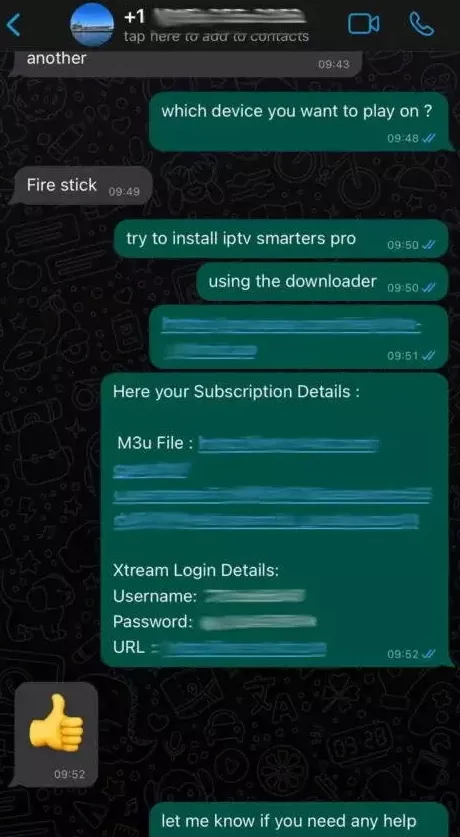
- 02. Install a Reputable Player: Download an established M3U/XMLTV-capable player from your device official app store.
- 03. Enter Credentials Carefully: Input Server URL, Username, and Password (or paste your M3U_plus URL via a mobile keyboard app).
- 04. Sync EPG & Trim Categories: Wait for the initial XMLTV download to finish, then hide unused regional folders.
- 05. Test Hardware Decoding: Play both an HD and a high-bitrate stream; switch between hardware and software decoding only if audio/video drift occurs.
Keeping Player Applications & Firmware Current
Streaming OS updates on Fire OS, Google TV, and tvOS occasionally change TLS certificate stores or video buffer defaults. Keep your chosen IPTV player updated through the official store so HTTPS streams connect reliably without certificate errors.
Compare Strong8K US Subscription Terms
Review 1-month to 3-year options with 1, 2, or 3 simultaneous connections.
United States FAQs
How long does initial playlist loading take?
Playlist metadata normally loads within 10 to 45 seconds depending on your device processor and internet speed. EPG guide data may take an additional minute on the first sync.
Do I need to re-enter credentials after a plan renewal?
When renewing an existing subscription before expiry, your existing login credentials typically remain active without needing to reconfigure your player.