Strong8K M3U Guide: Playlist Syntax & Login Methods (2027)
Choose the right credential format—M3U_plus URL or Server/Username/Password API—for faster channel parsing and fewer remote typing errors.
M3U Plus URL vs. Server Host API Credentials
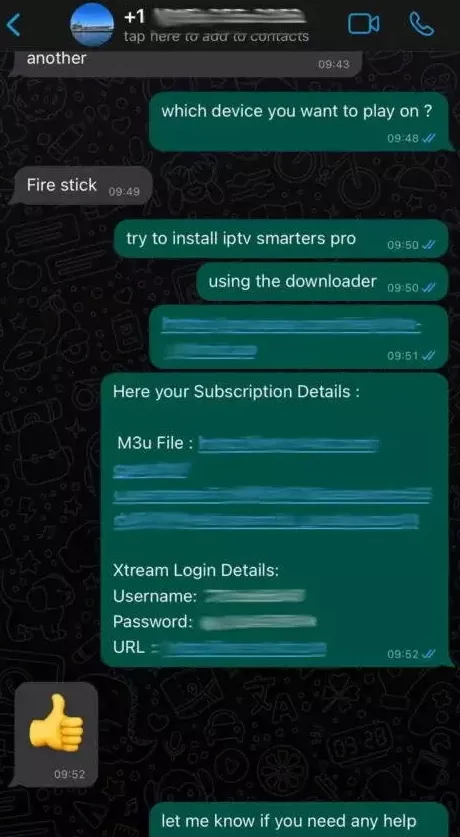
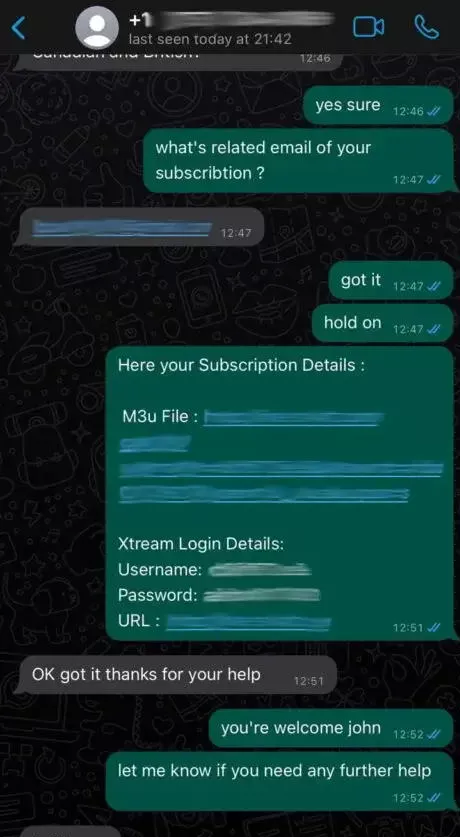
When configuring an IPTV player, you will usually encounter two input methods: pasting a single long M3U_plus URL or entering separate Server URL, Username, and Password fields. Both authenticate against the same subscription account, yet API-style entry is far less prone to typing mistakes on a TV remote.
| Method | Best For | Practical Advantage |
|---|---|---|
| M3U_plus URL | VLC, Kodi PVR, Web Players | Single portable link containing group titles and logo tags |
| Server / User / Pass | TiviMate, Smarters-style apps, Smart TV clients | Faster parsing, automatic EPG linkage, and cleaner VOD separation |
| Local M3U File | Offline playlist editing | Lets advanced users trim unused groups manually (requires re-export on updates) |
Common M3U Formatting Pitfalls
A single extra space at the end of a pasted M3U URL or a capital letter switched to lowercase in a password causes immediate 401/403 authorization failures. When typing on a television screen, use your phone companion keyboard app (such as the Google TV or Fire TV mobile remote app) to paste credentials verbatim.
Compare Strong8K US Subscription Terms
Review 1-month to 3-year options with 1, 2, or 3 simultaneous connections.
United States FAQs
Can I edit an M3U URL to change `type=m3u` to `type=m3u_plus`?
Modern IPTV applications expect `m3u_plus` because it includes `group-title` and `tvg-id` attributes needed for categories and EPG matching. Only use plain `m3u` if required by a legacy desktop media player.
Should I share my M3U URL publicly?
Never share your M3U URL. It contains your private authentication credentials, and unauthorized playback from extra devices will consume your simultaneous connection slots.