Strong8K EPG Guide (2027): XMLTV Setup & Time-Zone Sync
Keep your Electronic Program Guide accurate across US time zones and Daylight Saving shifts with clean XMLTV refresh intervals and cache settings.
What Is an Electronic Program Guide (EPG)?
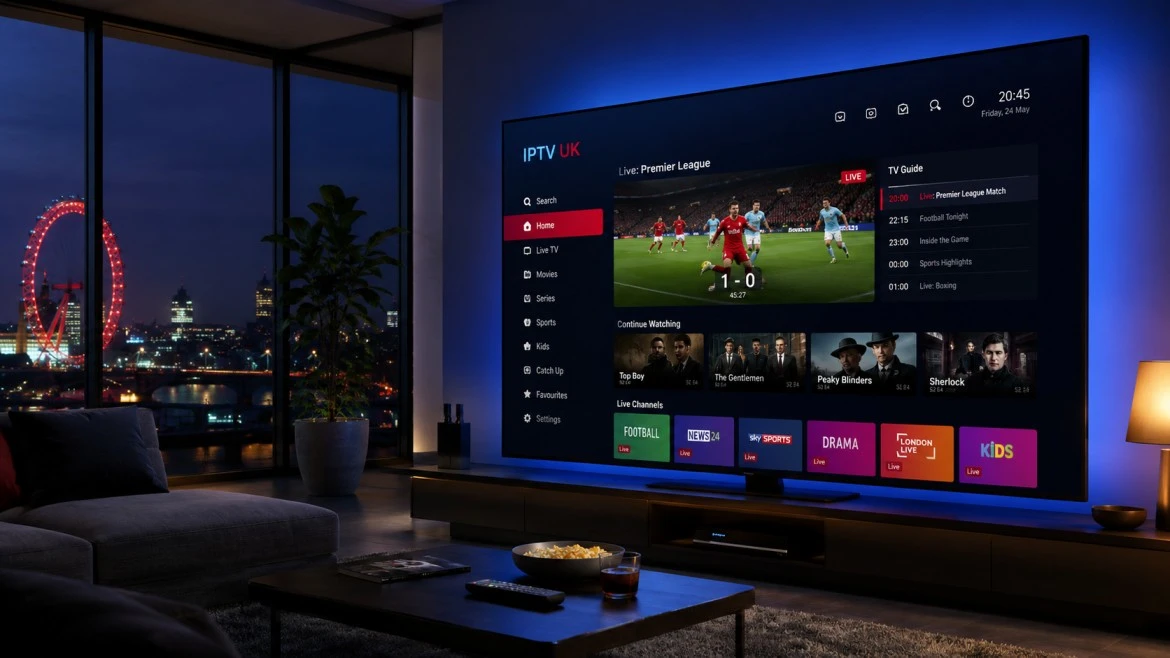
An Electronic Program Guide (EPG) is the structured schedule grid that displays current and upcoming television programs, episode descriptions, and broadcast start times alongside each live channel. In IPTV workflows, this data is delivered separately from the video stream using standardized XMLTV files.
Each channel in your M3U playlist carries an identifier (`tvg-id`) that maps to matching schedule blocks inside the XMLTV feed.

Fixing US Time-Zone Offsets (EST, CST, MST, PST)
Because XMLTV timestamps are commonly encoded in UTC (Coordinated Universal Time), a misconfigured player clock or incorrect DST (Daylight Saving Time) setting can shift program listings by one to five hours.
- Verify your streaming device system clock is set to automatic network time and the correct US time zone.
- Leave the player EPG time-shift at `0:00` first; only apply manual hour offsets if every single listing is uniformly shifted.
- Set XMLTV cache retention to 24 hours and schedule automatic updates once daily during off-peak hours.
Compare Strong8K US Subscription Terms
Review 1-month to 3-year options with 1, 2, or 3 simultaneous connections.
United States FAQs
Why does my EPG show "No Information" on certain channels?
First trigger a manual EPG update in your player settings and clear the EPG cache. If only niche or local feeds lack listings, the upstream XMLTV source may not publish metadata for that specific sub-feed.
How large are XMLTV EPG downloads?
Multi-region XMLTV files can range from several megabytes to tens of megabytes uncompressed. Streaming boxes with limited storage benefit from clearing stale EPG caches weekly.