Strong8K Channel List: 2027 Category Structure & Filtering
See how M3U group-title folders are structured, why static channel-count claims are misleading, and how to build a clean US favorites list in minutes.
How Playlist Groups Are Organized
Large M3U playlists group streams using `group-title` attributes so IPTV player interfaces can present clean regional and topical folders. Rather than scrolling through thousands of unorganized entries, users can jump straight to US national networks, local affiliates, regional sports feeds, news, or international language folders.
Because broadcast feeds and server allocations evolve over time, responsible IPTV guides avoid publishing static, unverified channel-count claims. Instead, focus on whether your player lets you filter or hide groups you do not watch.
Managing Large Playlists Without Clutter
Loading every international region on an older streaming stick can slow down menu scrolling and increase EPG memory usage. Taking five minutes during initial setup to hide unused regional folders dramatically improves channel-switching speed.
- Disable unused country groups inside your player playlist manager settings.
- Build a custom Favorites list containing your 15–30 most-watched US networks.
- Enable automatic playlist updates on launch so renamed or updated stream endpoints stay current.
Compare Strong8K US Subscription Terms
Review 1-month to 3-year options with 1, 2, or 3 simultaneous connections.
United States FAQs
Can I request a trimmed playlist with only US or English groups?
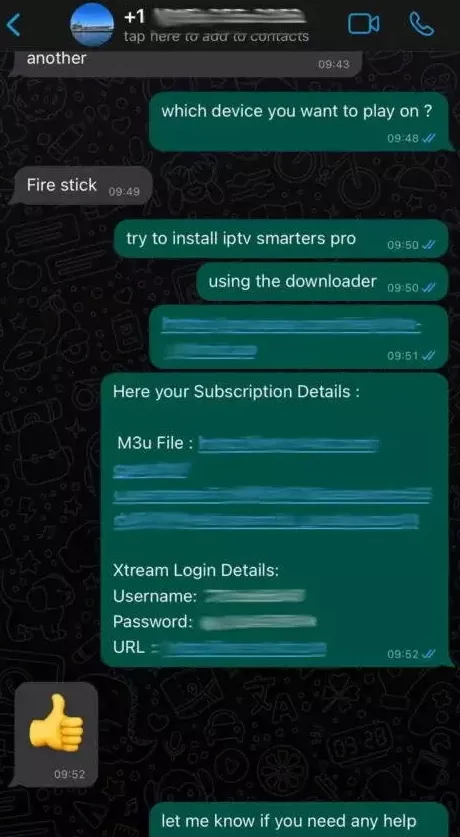
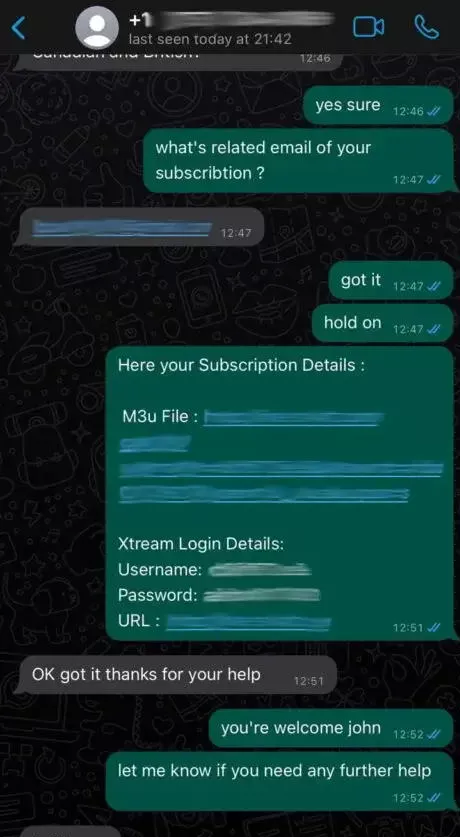
When ordering via WhatsApp, you can ask our support team whether group filtering can be applied prior to credential delivery, or manage visibility directly inside your player settings.
Why do two entries sometimes exist for the same network?
Playlists often include primary and backup feeds or different resolution profiles (such as standard HD vs higher-bitrate 1080p/HEVC) to provide redundancy during peak viewing.